> For the complete documentation index, see [llms.txt](https://pingmexyz.gitbook.io/docs/llms.txt). Markdown versions of documentation pages are available by appending `.md` to page URLs; this page is available as [Markdown](https://pingmexyz.gitbook.io/docs/features/send-hongbao.md).
# Send Hongbao
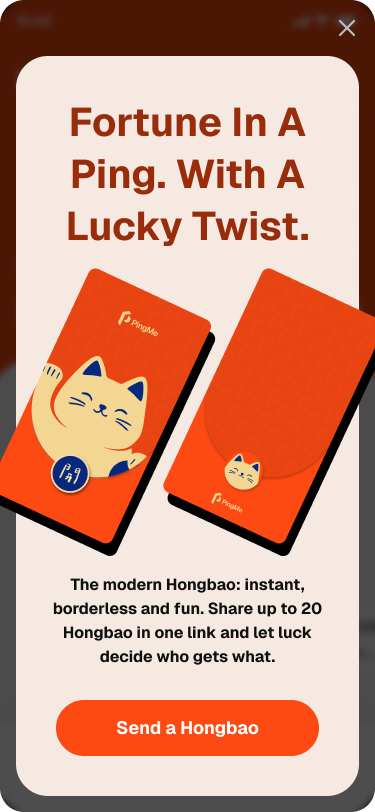
Hongbao (Red packet) is a festive way to send crypto on PingMe by splitting one amount into multiple packets and letting luck decide how much each recipient gets. Instead of sending the same amount to everyone, Hongbao adds an element of luck to make payments more social and fun again.
Hongbao is inspired by the traditional red packets exchanged during celebrations, now reimagined for instant, on-chain payments.
## Send and Claim Hongbao
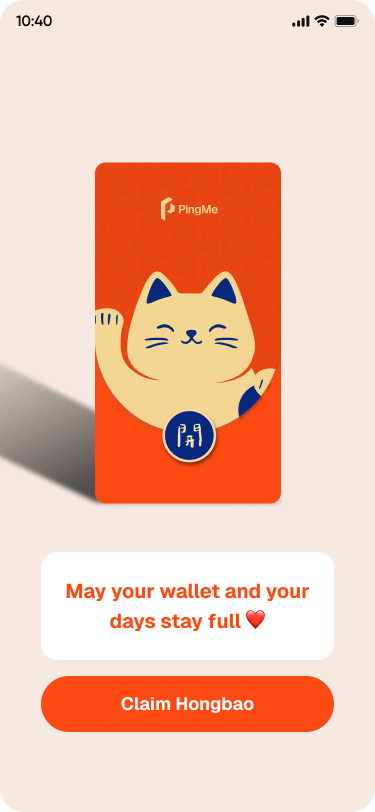
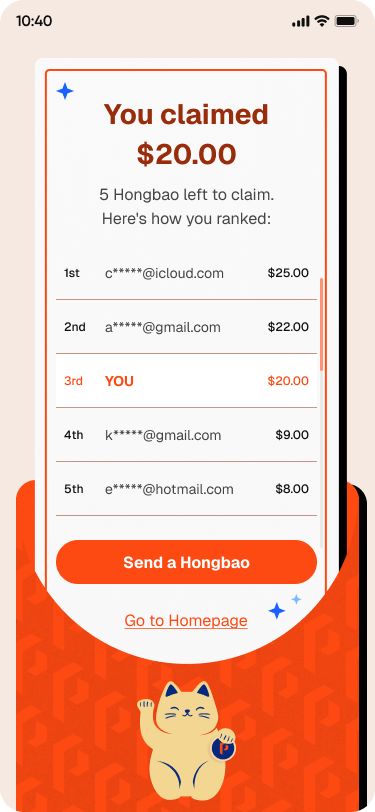
Learn how you can send a Hongbao, claim a Hongbao and view the Hongbao leaderboard.
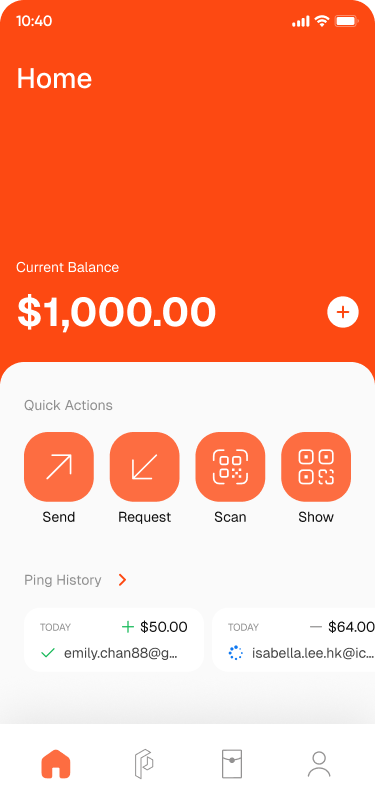
1. Tap 'Hongbao' button on PingMe homepage to create a Hongbao paylink.
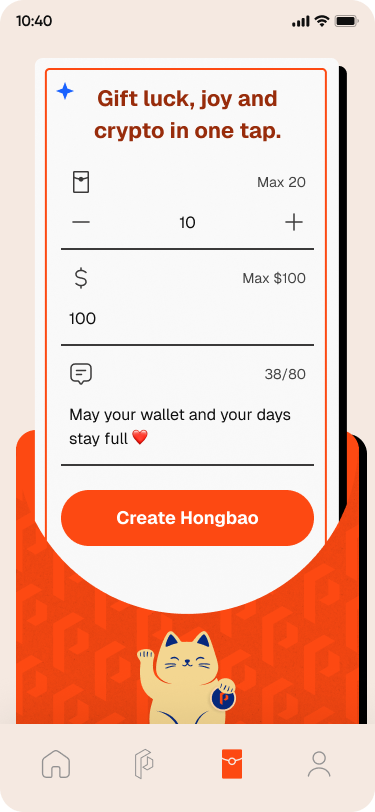
2. Decide the number of Hongbao(s) and amount of USDC you want to send - you can have up to 20 maximum recipients and 100 USDC per paylink. You may also customize your greeting message.
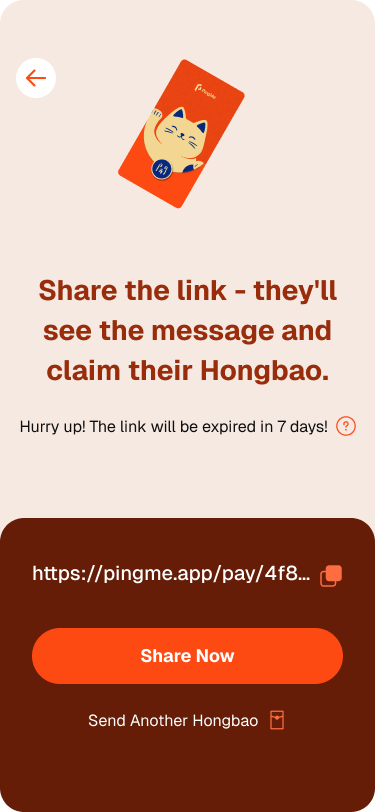
3. Once a Hongbao is created, make sure to copy and share the paylink to your recipients. Link is live for 24 hours only.
4. Once recipient opens a Hongbao paylink, PingMe will randomly divide the amount received upon revelation of the reward.
5. Both sender and recipients can view the leaderboard to see the recipients' ranking for that Hongbao.
## FAQ
1. **Is Hongbao free to use?**
Yes, it's free to use! So send as many Hongbao as you wish.
2. **Do recipients need a crypto wallet to claim Hongbao?**
No. PingMe automatically creates a self-custodial PingMe account for new users when they claim a Hongbao.
3. **What happens if not all Hongbao are claimed?**
Unclaimed Hongbao/paylink will expire and funds returned to sender.
4. **Can I see who claimed my Hongbao and how much they claimed?**
Yes, you can track who claimed your Hongbao and how much they claimed.